Apple iOS 26.2 Update: Top Features, Security Enhancements & Customization Options
Apple has officially rolled out the iOS 26.2 update for iPhones, introducing new security features, design refinements, and user‑friendly upgrades. This update is designed to enhance your iPhone experience with smarter customization and improved privacy.
🔑 Key Features of iOS 26.2
- "Project Crystal" AI
Your Truly Private Assistant. A suite of AI tools for rewriting emails, summarizing articles, and creating custom emojis ("Genmojis") without sending data to the cloud.
- Siri 2.0: Siri gets its most profound upgrade yet, finally feeling like a true smart assistant. It now remembers the context of your conversation across apps. Ask “What did she say about the meeting?” after a Messages app audio note, and Siri knows.
- Enhanced Satellite Connectivity (Emergency & Roadside):
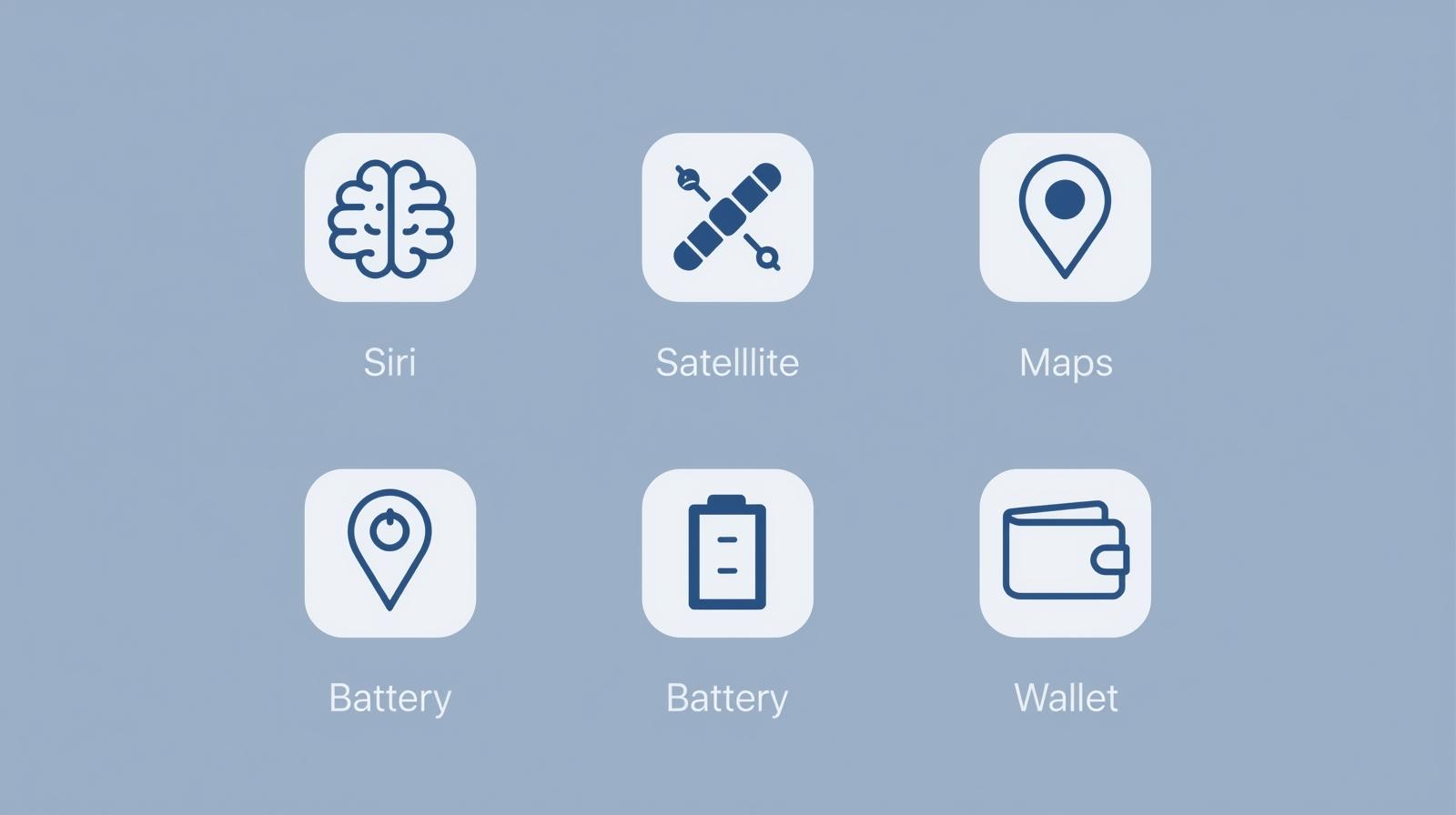
#EmergencySOS via satellite now supports sending detailed medical ID info to responders. New Roadside Assistance via satellite lets you connect to AAA even without cellular signal.
- Apple Maps: Augmented Reality Navigation & Local Discoveries
AR City Walk: Point your camera in dense urban areas (think NYC's Times Square ) for live walking directions overlaid on the real world.
- Battery Health Algorithm 2.0: A silent but powerful update for long-term users. A new machine learning model more accurately predicts your battery health percentageand maximum capacity, optimizing charge cycles to extend lifespan. #BatteryGate
- Performance & Stability: The "Butter Smooth" Update
Reduced app launch times, smoother high-refresh-rate ProMotion scrolling, and faster camera cold starts. It’s the "it just feels faster" update.
- Regional Wallet & Payments Deep Dive
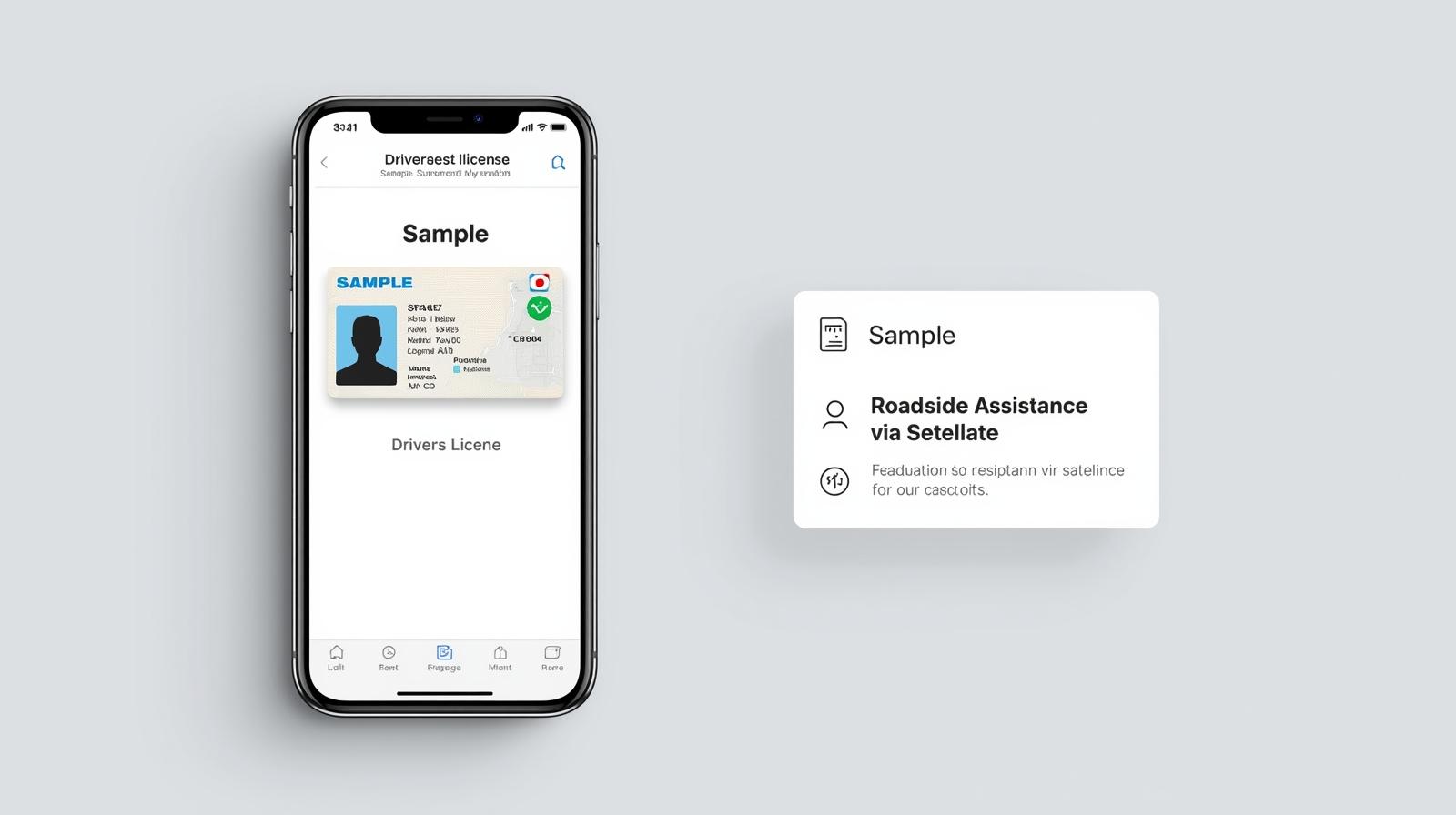
Added support for more digital driver's licenses & state IDs, and enhanced Apple Pay Later management.
- AirDrop Security Code
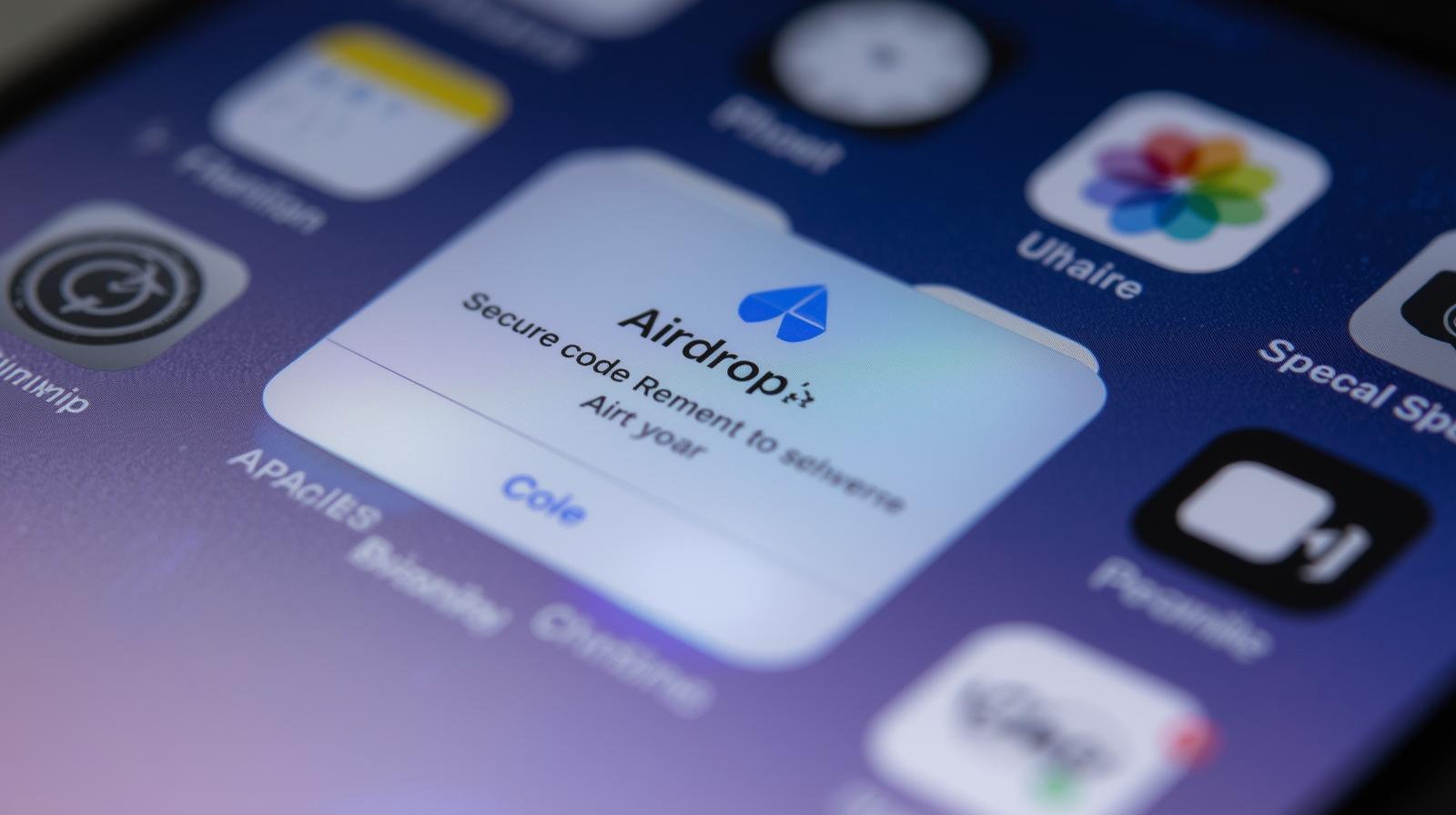
Every file shared with unknown contacts now requires a unique AirDrop code, valid for 30 days, ensuring safer transfers.
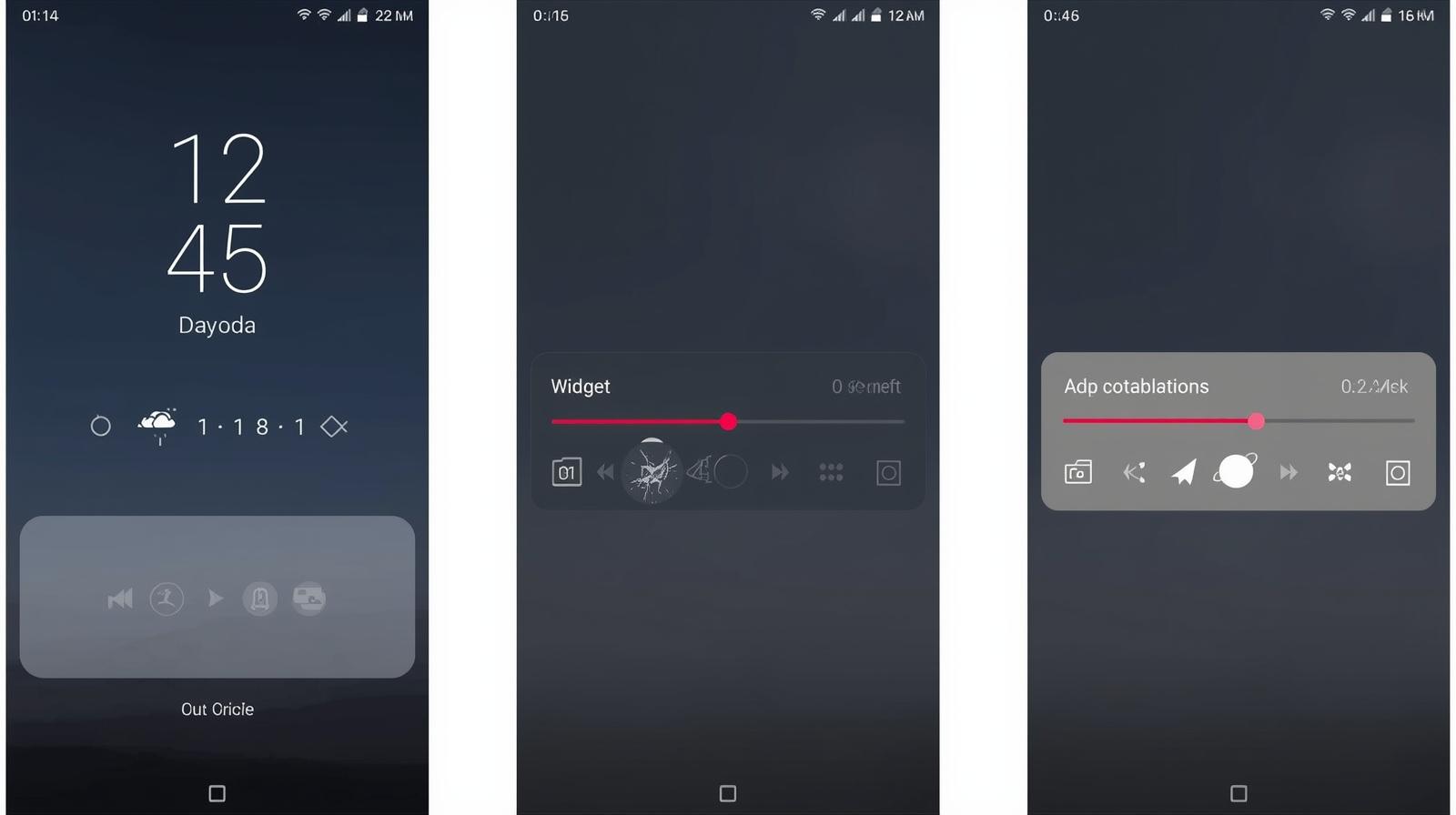
- Liquid Glass Design Fixes: Apple has added an opacity slider to the controversial Liquid Glass design, giving users more control over lock screen transparency.
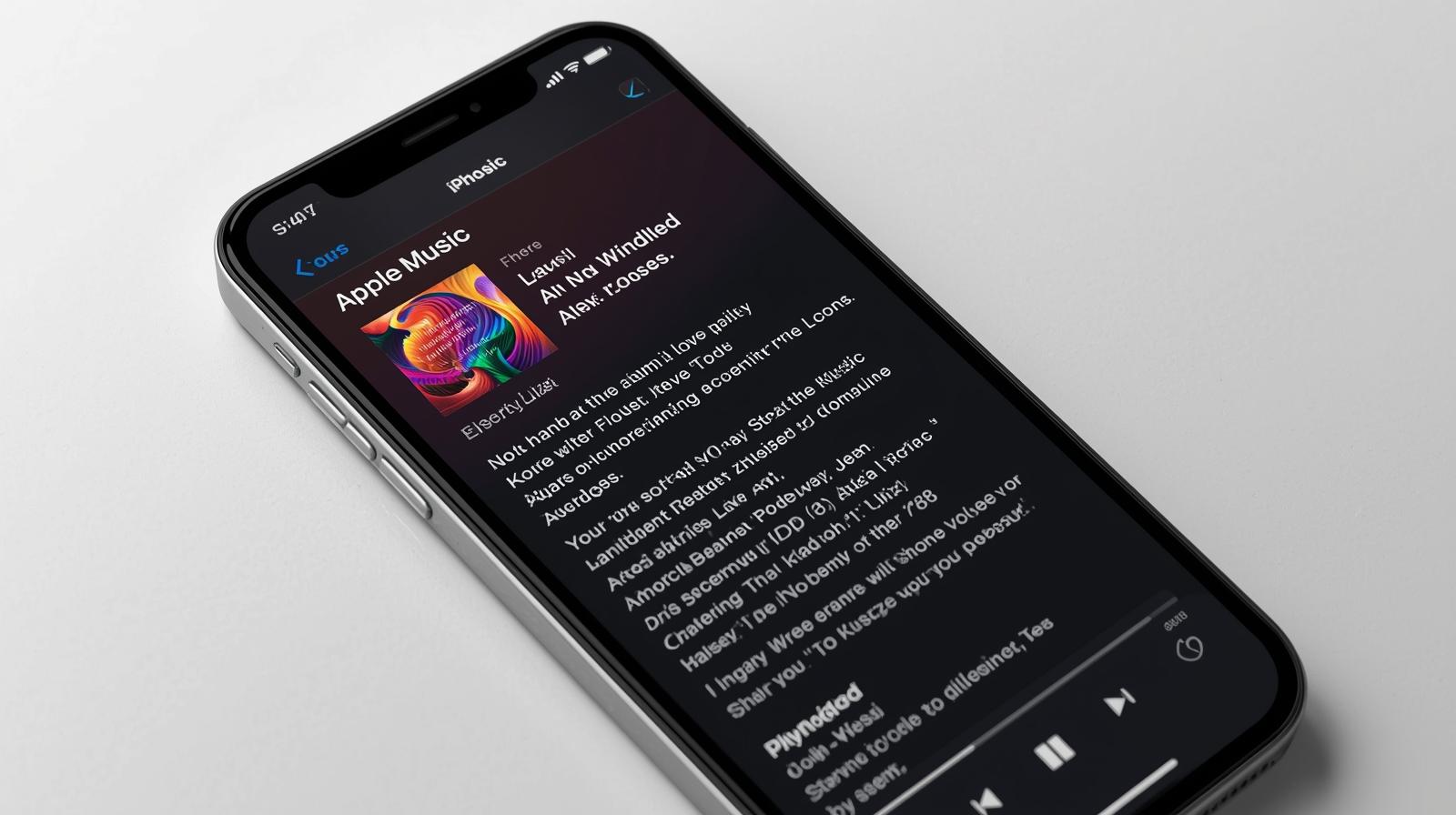
- Offline Lyrics in Apple Music: Subscribers can now view song lyrics offline, perfect for travel or areas with poor connectivity.
- Reminders with Alarms: The Reminders app now supports alarms with snooze and live countdowns on the lock screen.
- Enhanced Apple Podcasts & Measure App: Both apps receive Liquid Glass redesigns and smoother animations.
- Critical Security Patches: Apple has addressed multiple vulnerabilities, making iOS 26.2 one of the most secure updates yet.
🌍 Why It Matters for USA Users
- Offline lyrics and AirDrop security are major draws for professionals and students who rely on seamless sharing and entertainment.
- Added support for more digital driver's licenses & state IDs
How to Install iOS 26.2
- Go to Settings > General > Software Update.
- Ensure your iPhone is connected to Wi-Fi and has over 50% charge.
- Tap "Download and Install."
📝 Conclusion
The Apple iOS 26.2 update may not be the biggest release, but it delivers meaningful improvements in security, customization, and usability. For users in the USA, these changes make everyday iPhone use smoother, safer, and more personalized.
👉 If you’re serious about staying ahead in tech, updating to iOS 26.2 is a must.